
Cinematic city walk16:9
A lone figure walks through a rainy city at night, neon signs reflecting on wet pavement, slow tracking shot, cinematic color grade
 KL AI · Kling 3.0 inside
Describe a scene or drop in a frame — Kling 3.0 turns it into a 5 or 10 second clip in 16:9, 9:16 or 1:1. Pick Standard or Pro, add generated sound, and iterate in one video workspace.
Real clips generated with the Kling model family. Each card carries a prompt you can send straight to the workspace.
A lone figure walks through a rainy city at night, neon signs reflecting on wet pavement, slow tracking shot, cinematic color grade
A race car tears through a storm-swept mountain road, rain and spray trailing behind, low chase camera, dramatic lighting
Mango and passionfruit splashing in slow motion around a chilled bottle, studio lighting, crisp condensation, commercial product shot
Retro minidv footage of an early morning walk through quiet Seoul streets, soft grain, handheld camera feel, nostalgic tone
A cozy 3D animated children's bedroom scene, soft night light, gentle camera drift past toys and a reading lamp, storybook warmth
A woman confronts a film crew in a narrow alley, dynamic camera push-in, gritty documentary style, square 1:1 framing
Kling 3.0 is the default video model in the KL AI workspace. Give it a written scene — or a single reference frame — and it returns a finished MP4 clip of five or ten seconds.
The same workspace exposes a full set of video models. Kling 3.0 is the balanced pick: two quality tiers (Standard and Pro), three aspect ratios, optional generated sound, and both text-to-video and image-to-video in one prompt box.
KL AI is an independent product site and is not affiliated with Kuaishou or the official Kling brand.
| Output | MP4 video · 5s or 10s |
|---|---|
| Aspect ratios | 16:9, 9:16, 1:1 (text-to-video) |
| Input | Text prompt (up to 2,000 chars) or one image |
| Cost | Std 180/360 cr · Pro 240/480 cr (5s/10s) |
| Tiers & extras | Standard / Pro · optional sound · cfg scale |
| Access | Free to browse · sign-in to generate |
Four steps from idea to clip — the same flow works for text and image input.
Describe subject, action, camera movement and lighting. Or upload one image to animate it.
Choose 16:9, 9:16 or 1:1, then 5 or 10 seconds. Aspect ratio applies to text-to-video.
Standard for fast drafts (180–360 credits) or Pro for the best frames (240–480 credits). Optional generated sound.
Submit, watch the preview, then tweak one thing at a time — camera, light or motion — until it lands.
Three frame formats and two quality tiers cover the workflows that actually ship.
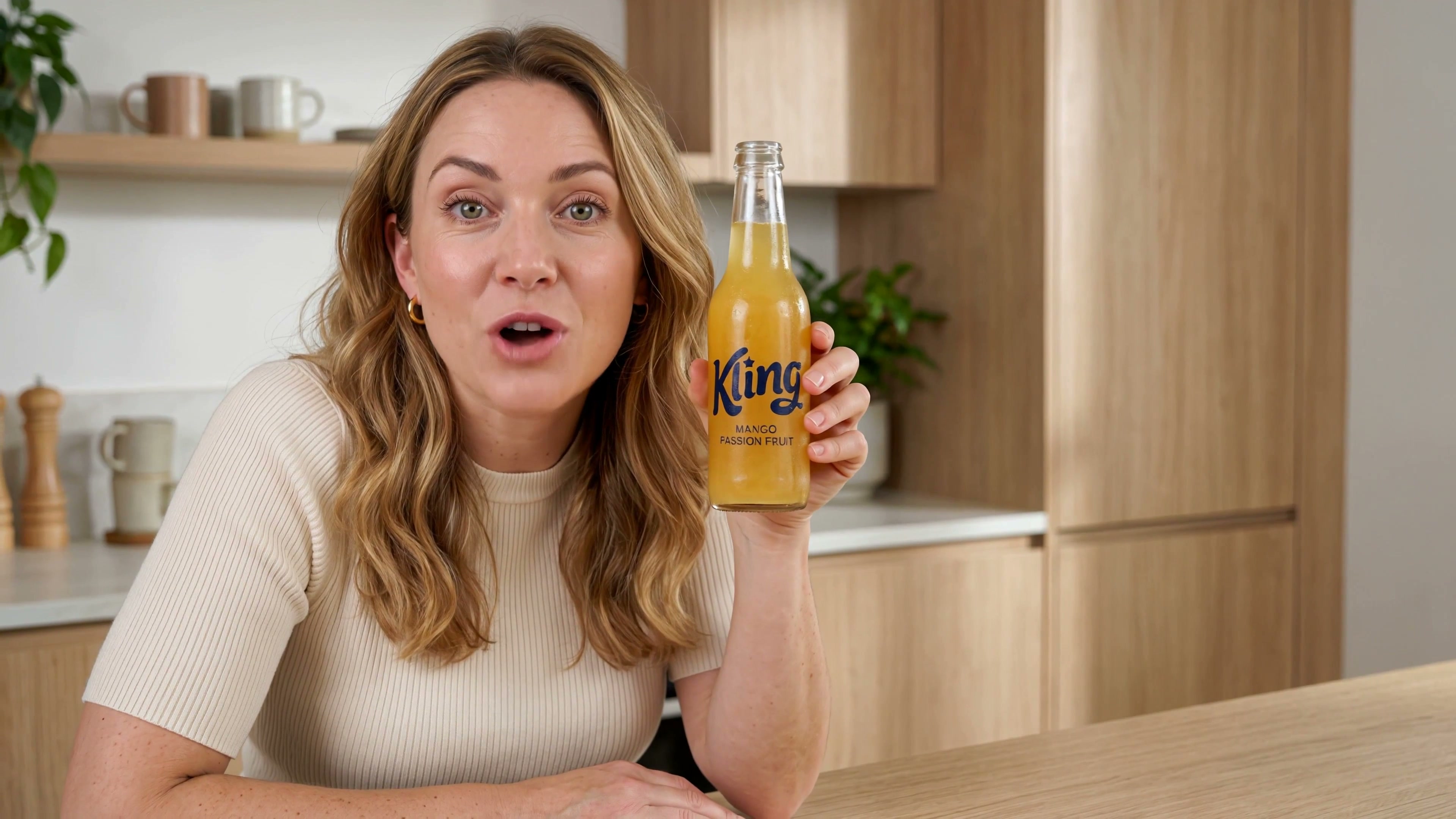
Studio-lit product shots and creator-style UGC clips for landing pages and paid social — the 5-second tier keeps iteration cheap.
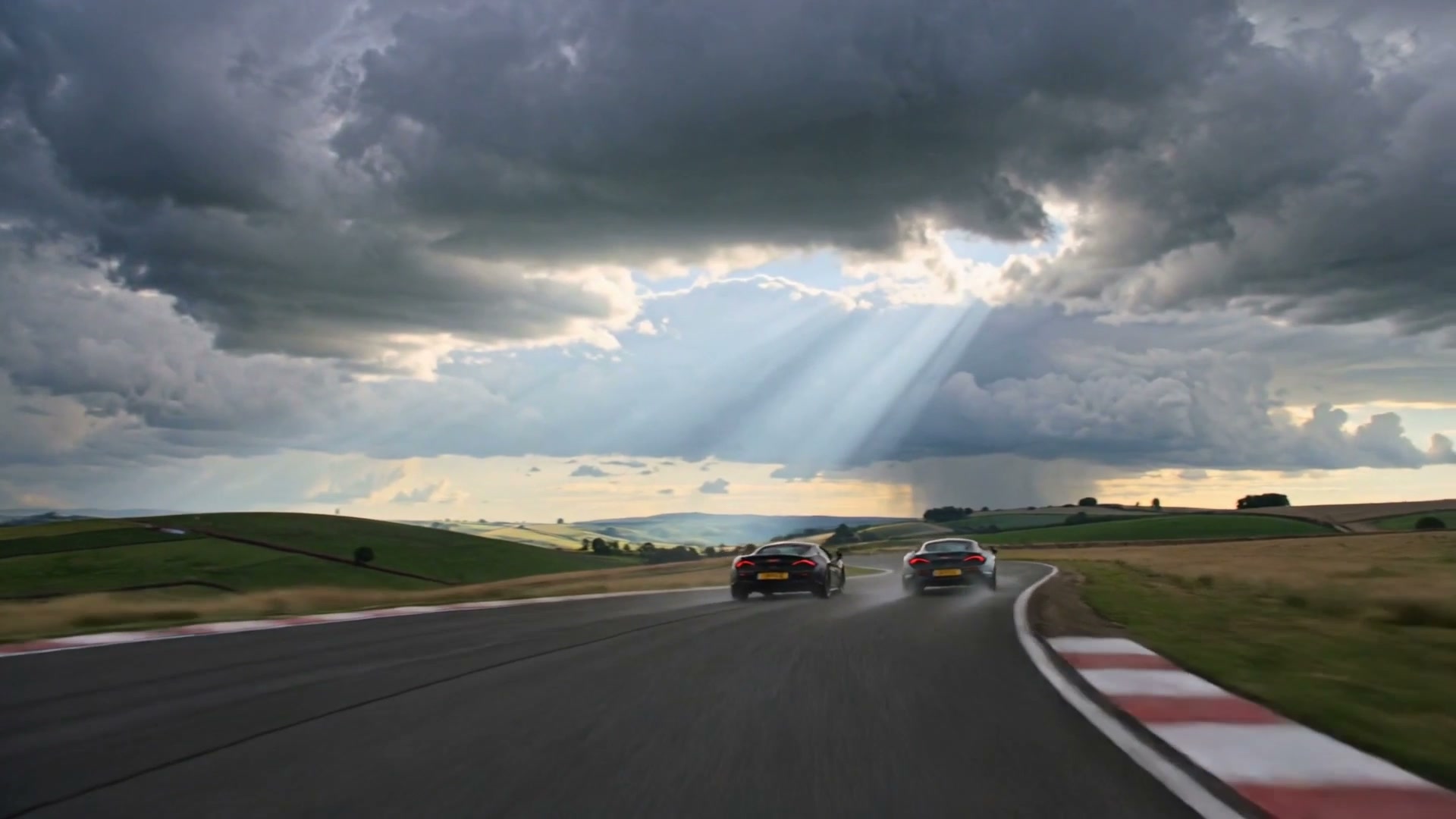
Camera-driven shots with weather, motion and mood — racing footage, city walks, atmospheric establishing frames.
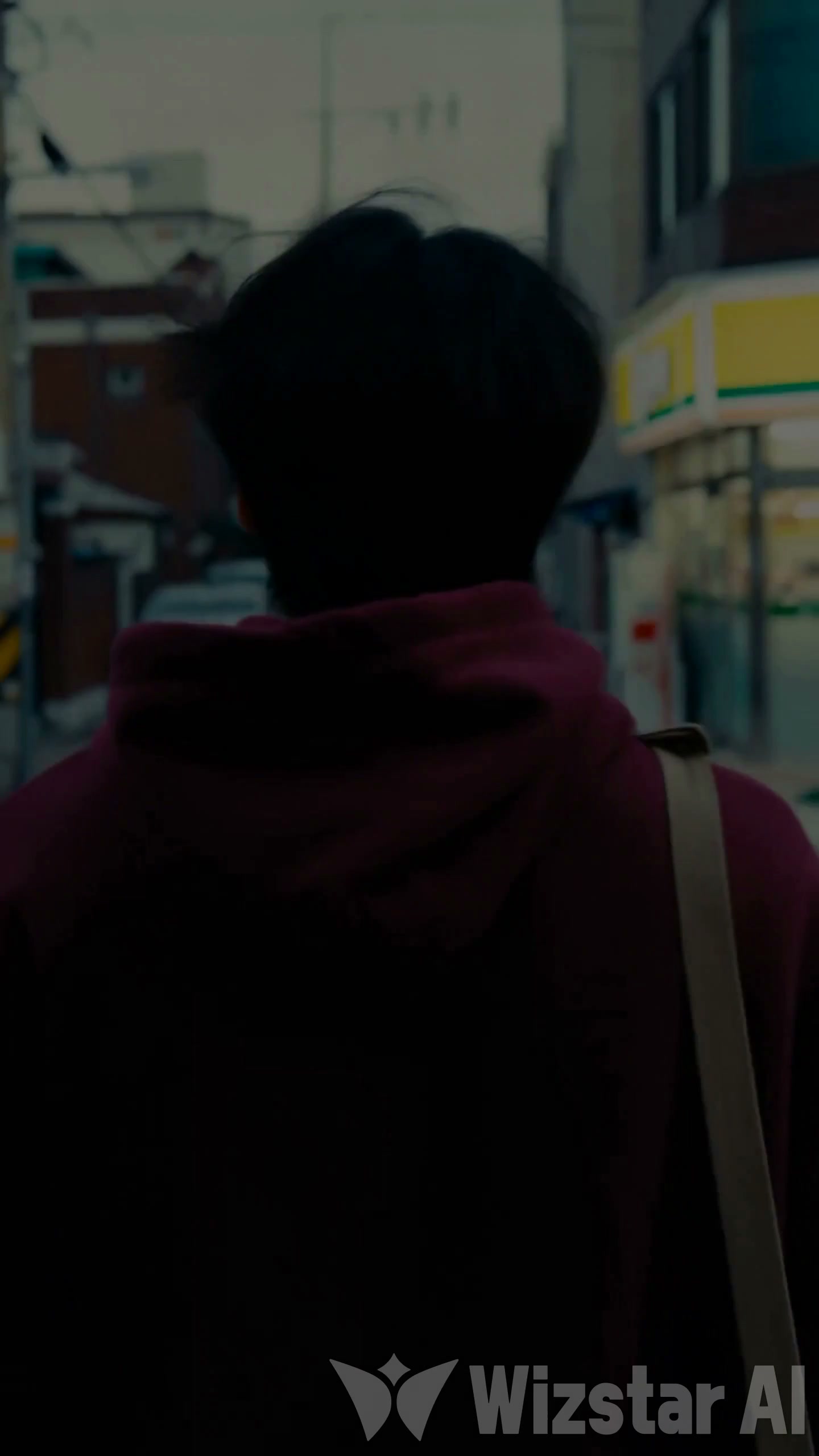
9:16 clips sized for Shorts, Reels and TikTok feeds, generated in the format the platform expects.

3D animation, claymation and storybook styles for channels that live on a distinctive visual identity.
What the model can actually do in this workspace.
A written scene becomes a finished clip: subject, action, camera movement, lighting and style are all steered through the prompt.
Upload a single frame and the model animates it — portraits, product photos or storyboard stills become moving footage.
Draft in Standard for 180–360 credits per clip, or switch to Pro (240–480) when the frame has to carry the hero shot.
16:9 for widescreen, 9:16 for vertical feeds, 1:1 for square posts — pick the format before you generate.
A sound toggle adds model-generated audio to the clip when you need ambience baked in.
The same dashboard offers Kling 3 Turbo for image-driven 3–15s clips, Wan durations, Veo tiers and more — same credits, one place.
Same prompt box, different trade-offs. Credits are per generated video.
| Model | Cost / video | Clip options | Input | Best for |
|---|---|---|---|---|
| Kling 3.0 | 180–480 credits | 5s / 10s · 16:9 · 9:16 · 1:1 | Text or one image | Balanced quality, sound option |
| Kling 3 Turbo I2V | 108–675 credits | 3–15s · 720p / 1080p | Image required | Longer image-driven clips |
| Wan 2.6 | 80–325 credits | 5 / 10 / 15s · up to 1080p | Text or image | Budgetable longer clips |
| Veo 4 | 250 credits | ~8s · 16:9 / 9:16 / Auto | Text + optional frame pair | Highest-quality hero clips |
Prices and options come from each model's real contract in the workspace and may change with upstream releases.
Credits are shared across every model in the workspace. Top up once, spend on Kling 3.0 or any other model — no separate subscriptions per tool.
It is the default video model in the KL AI workspace: describe a scene in text or upload one frame, and it returns a 5 or 10 second MP4 clip.
Standard tier costs 180 credits for 5 seconds and 360 for 10; Pro costs 240 and 480. Credits convert at 1 USD = 100 credits and work across all models.
Yes — a single image switches Kling 3.0 to image-to-video and animates it. For image-driven clips longer than 10 seconds, Kling 3 Turbo I2V covers 3–15s at 720p or 1080p.
16:9, 9:16 and 1:1 for text-to-video. In image-to-video the model follows the source frame's format.
A sound toggle in the workspace adds model-generated audio when enabled. It is off by default, so silent clips are the baseline.
Standard 5-second clips at 180 credits are the cheap draft path. For image-driven work, Kling 3 Turbo I2V starts at 108 credits for a 3-second 720p clip.
Structure the prompt as scene + action + camera + lighting + style, and change one thing per iteration. Concrete camera language — dolly, pan, handheld, aerial — steers the model better than abstract adjectives.
Usage rights are governed by the Terms of Service and your plan. Check the terms for the license scope before publishing client work or paid ads.
Prompt structure, camera vocabulary and model picks — the blog covers how to get consistent results out of the workspace.
Open the workspace, write one scene, and get a finished clip back in minutes.
Open the video workspace